
If you're like us and don't wish to use an addon to change the original game fonts, you can replace the original game fonts manually. This is done by literally replacing each font category with the fonts you wish to use.
Create a folder named Fonts and place it in your WoW directory.
Create copies of the font(s) you wish to use in the newly created Fonts folder. You can use the same font or use a different font for each category listed below. Rename the font(s) to the following:
- FRIZQT__.ttf - main UI font - buff text, button text, combat text, item and spell names, player and non-player names, and quest log text
- ARIALN.ttf - chat font, info text, small text
- skurri.ttf - default unit frame combat text
- MORPHEUS.ttf - mail text, quest log header text
- FRIENDS.ttf - friends list text
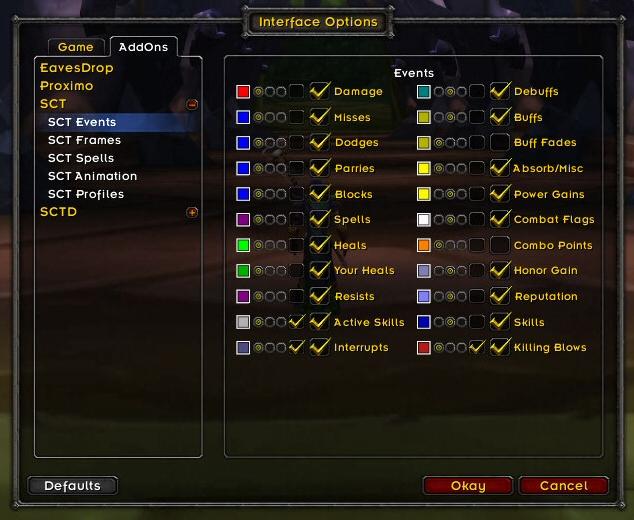
If you wish to use an addon, you can't go wrong with Scrolling Combat Text (SCT).